General info
Automate marketing asset management by securely linking OneDrive files to HubSpot campaigns and content. Eliminates manual uploads, ensures version control, and maintains security compliance. Pricing and timeline are scoped per project.

Useful links
Related files
Related products
| Long description | HubSpot + OneDrive for Business |
| Active | 1 |

Ask an expert
Connect HubSpot with OneDrive for Business #
Sync marketing assets and documents seamlessly — eliminate manual uploads and outdated files. #
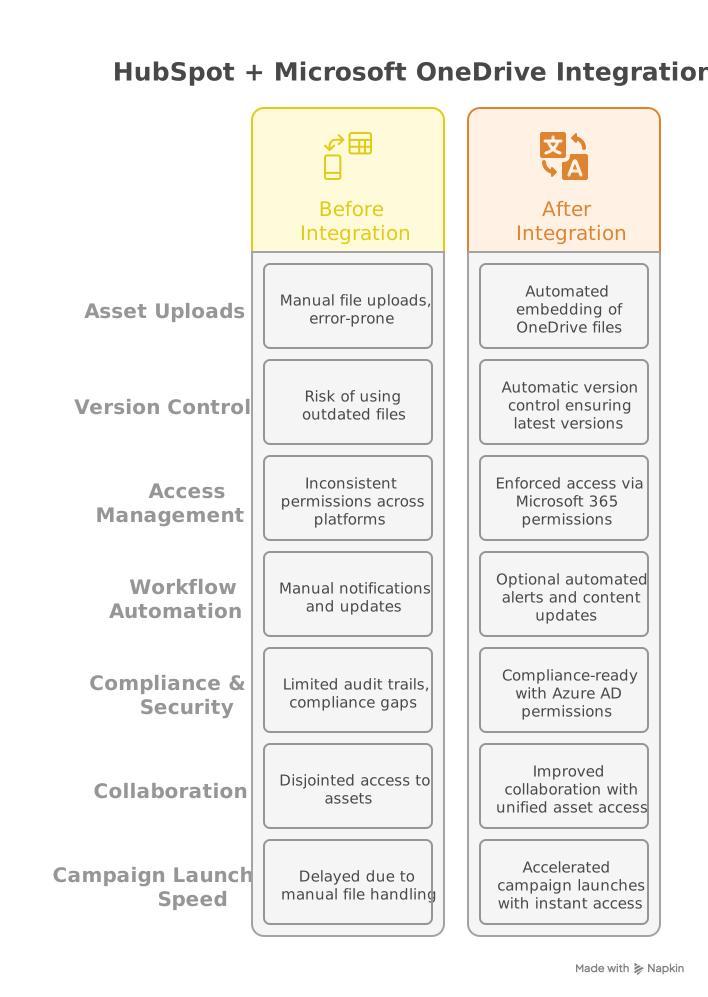
Manually transferring files between OneDrive and HubSpot introduces errors, delays marketing campaigns, and risks using unapproved asset versions.
With IT Partner's API integration service, you can:
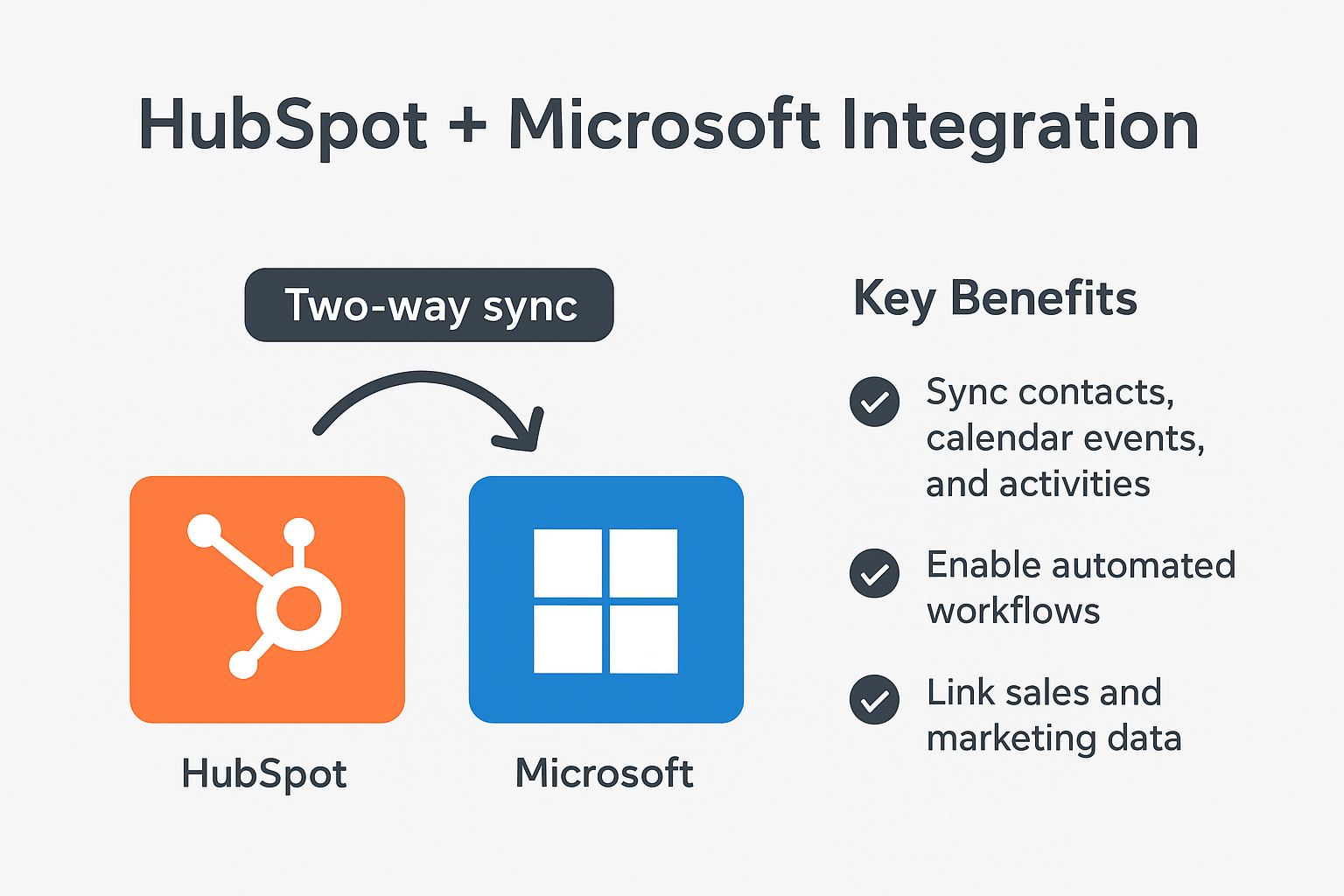
- Embed OneDrive files in HubSpot as secure links (files remain in OneDrive)
- Automate alerts when linked files are updated (Power Automate required)
- Enforce access via Microsoft 365 permissions and security policies
- Maintain full audit trails and version control for all marketing assets
Key Features #
- Secure API integration – Files remain in OneDrive; HubSpot displays secure previews using Graph API
- Automatic version control – Always reference the latest OneDrive file version in campaigns
- Compliance-ready – Azure AD permissions, Microsoft 365 sensitivity labels, and OneDrive audit trails
- REST API-based integration – Modern, scalable connection between marketing and storage platforms
- Automated workflows (optional):
- File changes → Notify marketing teams via email/Teams
- New assets → Auto-link to HubSpot campaigns and content
- Permission changes → Sync access rights automatically
How It Works #
- API Connection – Establish secure connection between HubSpot and OneDrive using Microsoft Graph API and HubSpot REST API
- Secure linking – Generate authenticated OneDrive URLs in HubSpot via API integration
- Permission synchronization – Control access via Azure AD security groups and sharing policies
- Configure automated workflows (if licensed):
- Power Automate monitors OneDrive changes → Sends real-time notifications to marketing teams
- Advanced: API automatically updates HubSpot content when marketing assets change
Technical Considerations
- One-way sync – HubSpot embeds links; file edits require OneDrive
- Authentication required – Users must have appropriate Microsoft 365 licenses to access files
- Power Automate – Required for automated alerts (Plan 1/licensed users)
- Supported file types – Marketing formats (PDF, JPEG, PNG, MP4, DOCX)
- API limits – Subject to Microsoft Graph API and HubSpot API rate limits
- HubSpot tier requirements – Enterprise recommended for full API access
Business Benefits & ROI #
- Accelerate campaign launches – Instant access to latest marketing assets and creatives
- Eliminate manual work – Remove repetitive file upload tasks for marketing teams
- Ensure brand consistency – Single source of truth for all marketing materials
- Enhanced security – Leverage Microsoft 365 DLP and compliance features for sensitive content
- Improved collaboration – Unified asset access across marketing and creative teams
- Scalable solution – Grows with your marketing operations and content needs
Ideal For #
- Marketing teams managing campaigns, creatives, and digital assets
- Organizations using Microsoft 365 security and compliance tools
- Companies requiring unified asset management across marketing automation and cloud storage
- Businesses automating content-driven marketing workflows
- Teams needing real-time asset collaboration with marketing platform integration

Why IT Partner LLC? #
- Microsoft Solutions Partner – Experts in Graph API and security integration
- HubSpot API specialists – Deep expertise in marketing automation and integration
- End-to-end ownership – From strategic planning to implementation and support
- Performance-focused – Build with scale, speed, and measurable ROI in mind
- 24/7 support – Continuous monitoring, maintenance, and optimization
- Security first – Industry best practices for data protection and authentication
- Marketing expertise – Understand unique needs of marketing operations and asset management

Get Started Today #
Ready to transform your marketing asset management workflow? Contact us to discuss your integration needs:
Let's build your integrated marketing asset management system with purpose and precision.