General info
This service connects Mailchimp with Azure Logic Apps to automate marketing workflows, synchronize subscriber data across systems, and trigger complex actions based on Mailchimp events. Final pricing and timeline are customized after scoping.

Useful links
Related files
Related products
| Long description | Mailchimp + Azure Logic Apps |
| Active | 1 |

Ask an expert
Automate Mailchimp with Azure Logic Apps #
Enterprise-grade marketing automation—without writing code. #
Manual subscriber management and cross-system marketing workflows increase errors and slow campaign execution.
With IT Partner’s Mailchimp + Azure Logic Apps Integration, your team can:
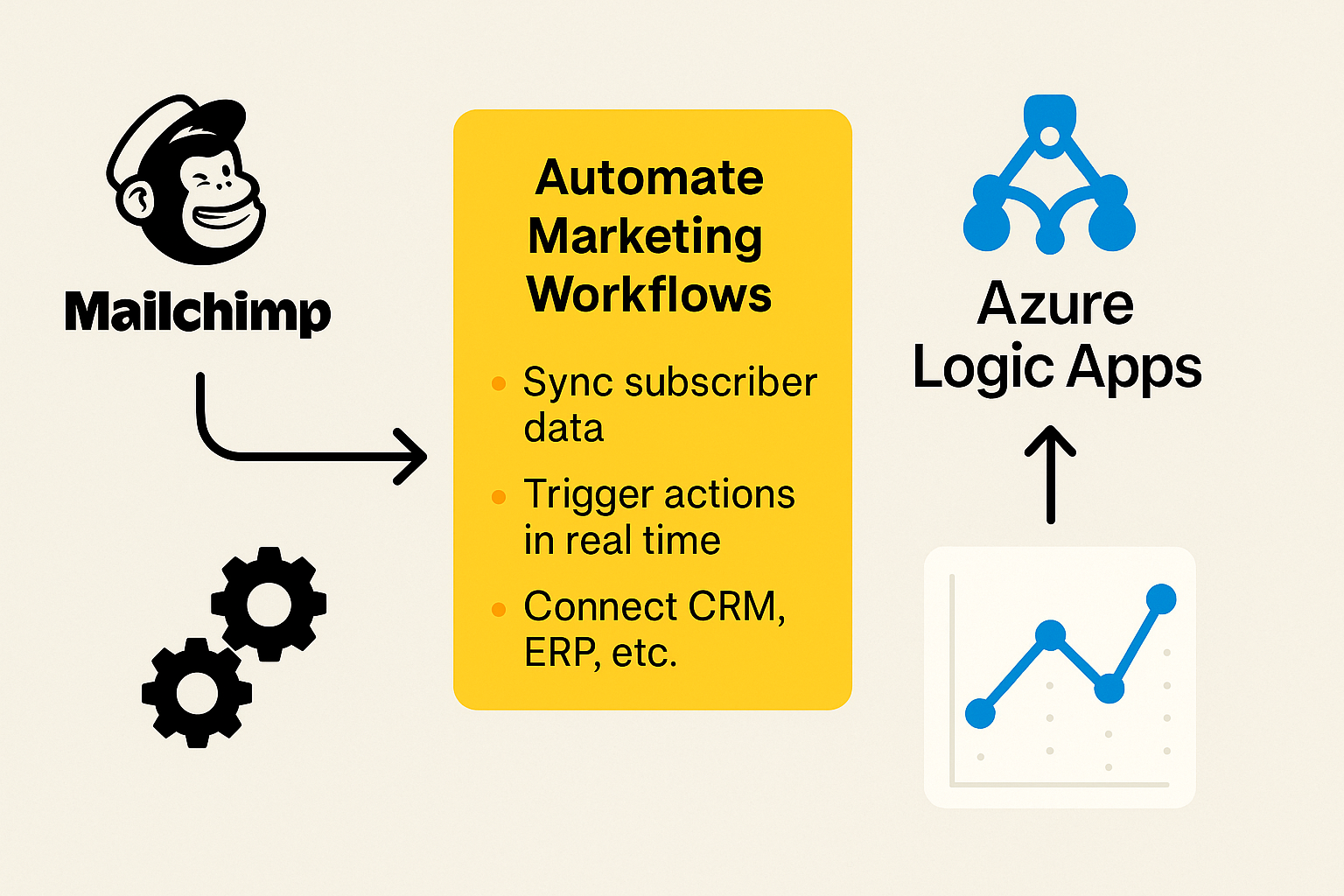
- Automate marketing workflows between Mailchimp, CRM, ERP, and SharePoint
- Synchronize subscriber data in near real-time using Mailchimp webhooks
- Trigger complex logic and approvals using enterprise-grade automation
What This Integration Does #
We connect Mailchimp to Azure Logic Apps to enable:
- Workflow automation across 700+ systems (Salesforce, SQL, SharePoint, Dynamics, etc.)
- Real-time event triggers using Mailchimp webhooks (subscriber added, unsubscribed, campaign sent)
- Error handling, batching, and throttling with Logic Apps controls and Azure Monitor
- Data transformations using built-in Liquid templates
- Secure on-premises integration via Azure Integration Service Environment or On-Premises Data Gateway
Why It Matters #
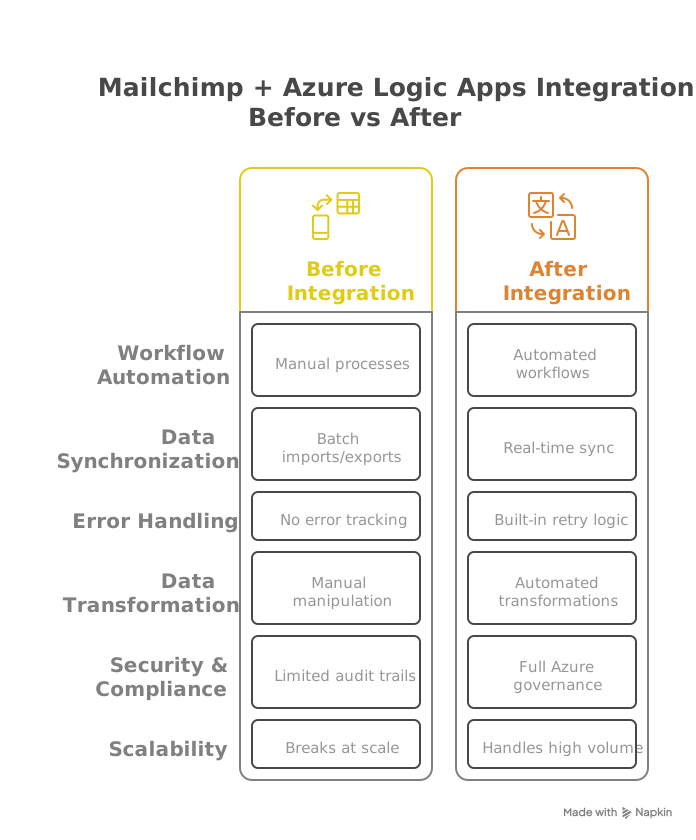
Without integration:
- Manual data transfers between Mailchimp and CRM/ERP systems
- Delayed updates between marketing and business platforms
- No centralized tracking or error monitoring
With integration:
- Real-time subscriber updates using Mailchimp webhooks
- Enterprise-grade logging and monitoring via Azure Monitor
- Secure, scalable workflows with Microsoft Azure governance
Key Benefits #
- Eliminate manual work: Automatically update subscribers from CRM, ERP, or event systems
- Ensure data accuracy: Real-time sync with data transformation via Liquid templates
- Maintain compliance: Azure Monitor provides full workflow audit trails for GDPR/HIPAA
- Scale globally: Azure Logic Apps handles enterprise volumes and worldwide deployment
How It Works #
-
Trigger:
- Mailchimp webhook fires on key events (subscriber added, unsubscribed, campaign sent)
- Optionally, scheduled API polling supports additional monitoring
-
Logic Apps Workflow:
- Connects to CRM, ERP, SQL, and SharePoint via built-in or premium connectors
- Supports batching, throttling, retries, and conditional logic
- Transforms data using Liquid templates and Azure Functions if needed
-
Security:
- OAuth 2.0 authentication for Mailchimp API
- Private network access via Azure ISE or On-Premises Data Gateway
Requirements:
- Mailchimp Standard or Premium (for API/webhooks)
- Azure Logic Apps Standard for enterprise workloads
Technical Considerations #
| Technical Challenge | Mitigation Strategy |
|---|---|
| Mailchimp API rate limits (~10 requests/sec) | Batch updates and configure retry/throttle policies |
| Complex CRM/ERP integrations | Use Azure On-Premises Data Gateway or ISE |
| Webhook delivery delays | Combine with scheduled API polling as a backup |
Who's This For? #
- Enterprises with multi-system marketing and sales platforms
- Marketing teams needing automated subscriber and campaign sync
- IT departments focused on Azure-native governance and security

Why Choose IT Partner LLC #
- Microsoft Azure and Logic Apps certified integration specialists
- Proven expertise in Mailchimp API automation and real-time marketing workflows
- Compliance-ready solutions with end-to-end monitoring and error handling

What's Next? #
Let’s explore how Azure Logic Apps can automate your Mailchimp marketing workflows and improve data consistency across platforms.